FARAMOVE

When home delivery became a necessity after COVID-19, Faramove wanted to reassure customers that a smarter solution was coming. I crafted a teaser video that introduced the mobile app and built anticipation for its launch.

UNMUTE

THE three points brief.

You’re working in-house as a motion designer, and now you have to fill out the same long questionnaire you usually send to clients to help them write their brief.

Faramove 1
Faramove 1
Faramove 1

What we needed to highlight were the three features that set Faramove apart. While this would normally feel like an incomplete - or even nonexistent—brief, it turned out to be an exciting moment: I realized I had full creative control.

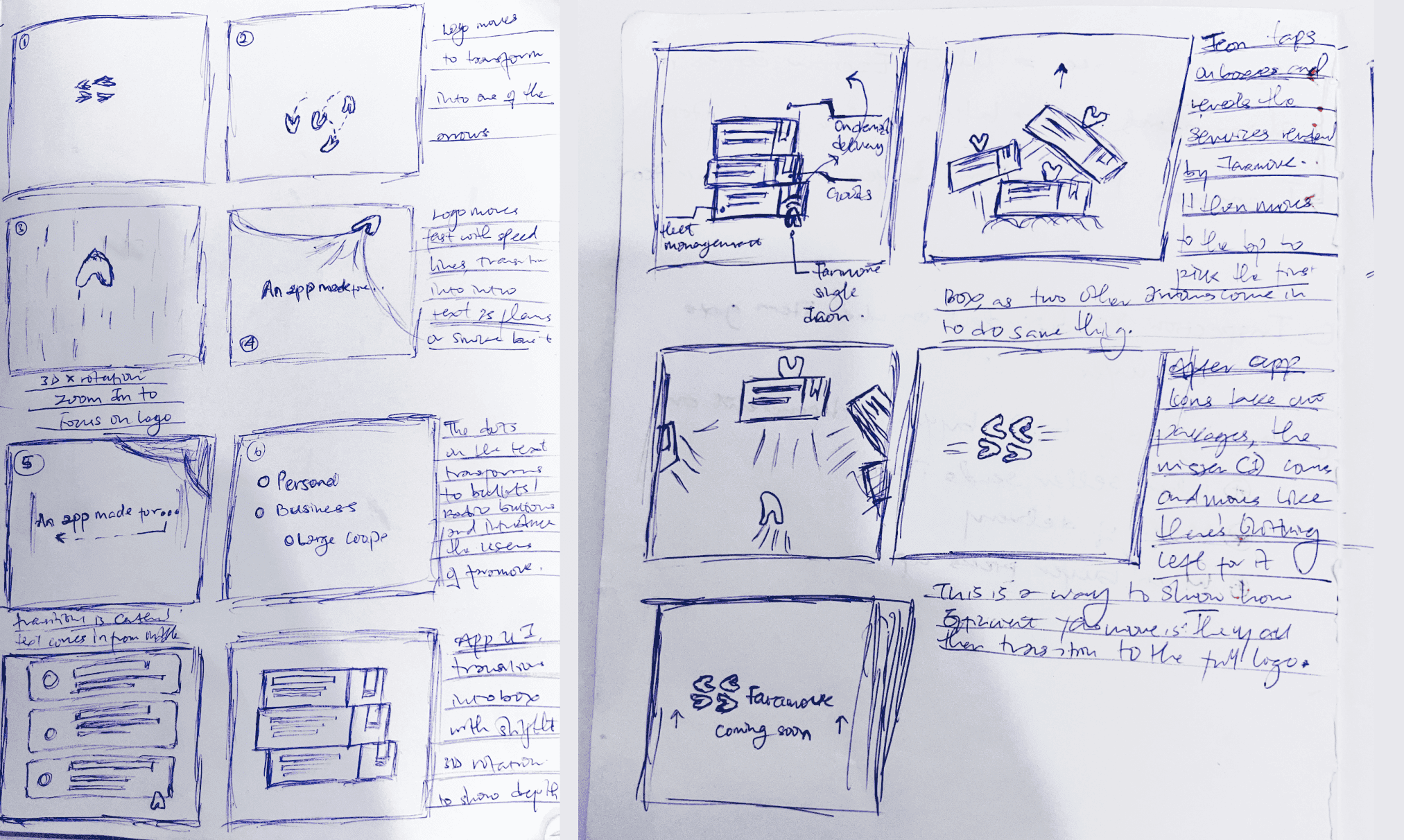
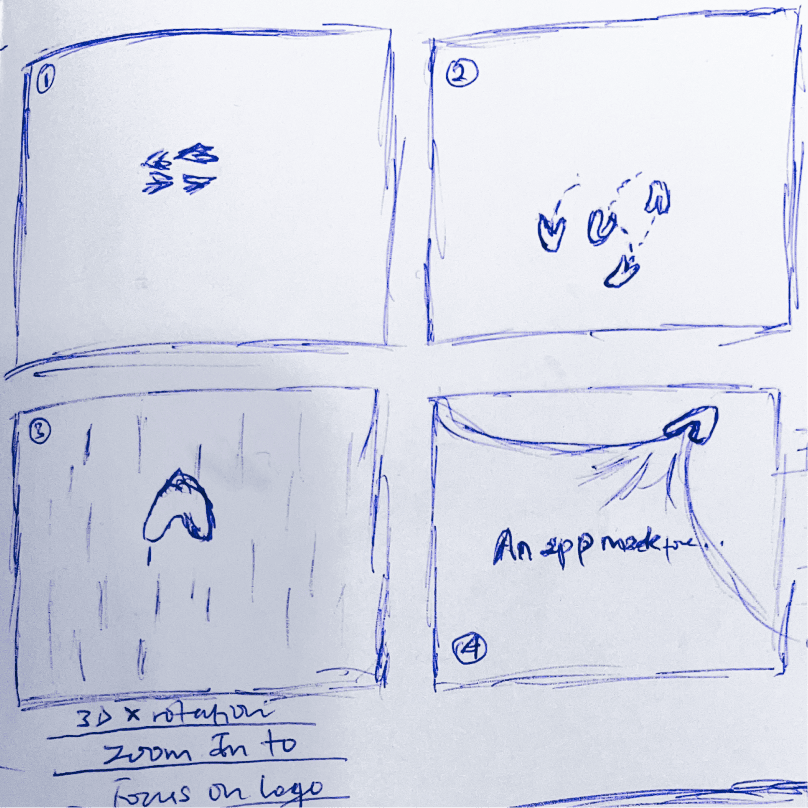
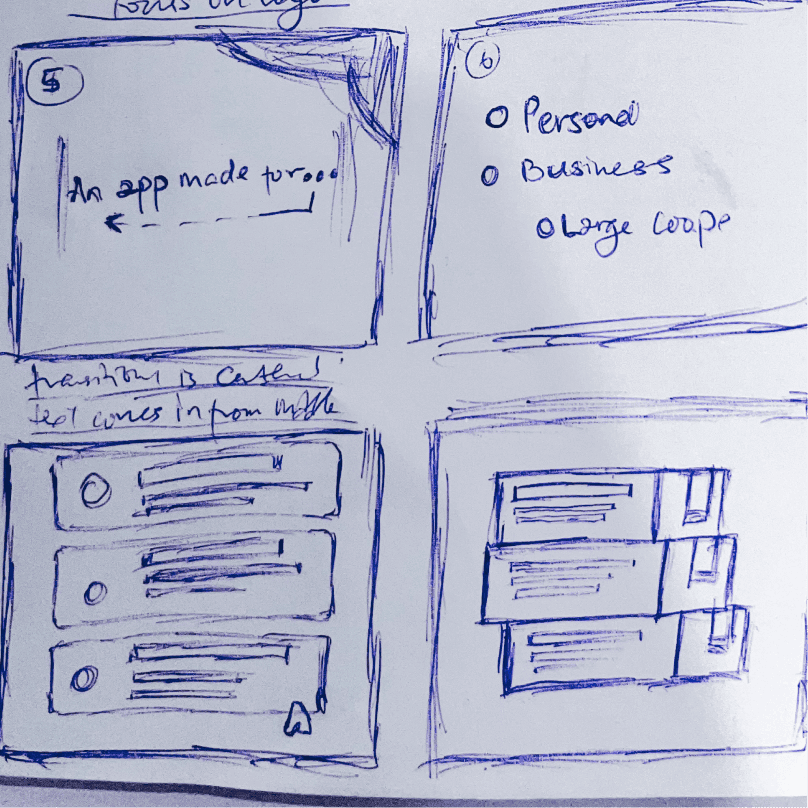
Starting with free-writing everything that came to mind about logistics and moving straight into sketching, the goal was to avoid leaning on “it’s a mobile app” or listing features. Instead, the aim was to grab attention and spark curiosity—because that’s exactly what a teaser is meant to do.

challenge

ONE

mapping the process.

Current styleframe
1
OF
23
Faramove APMF Style Frame B&WFaramove pointer select animationFaramove Truck UI Style Frame

creating walls to crack

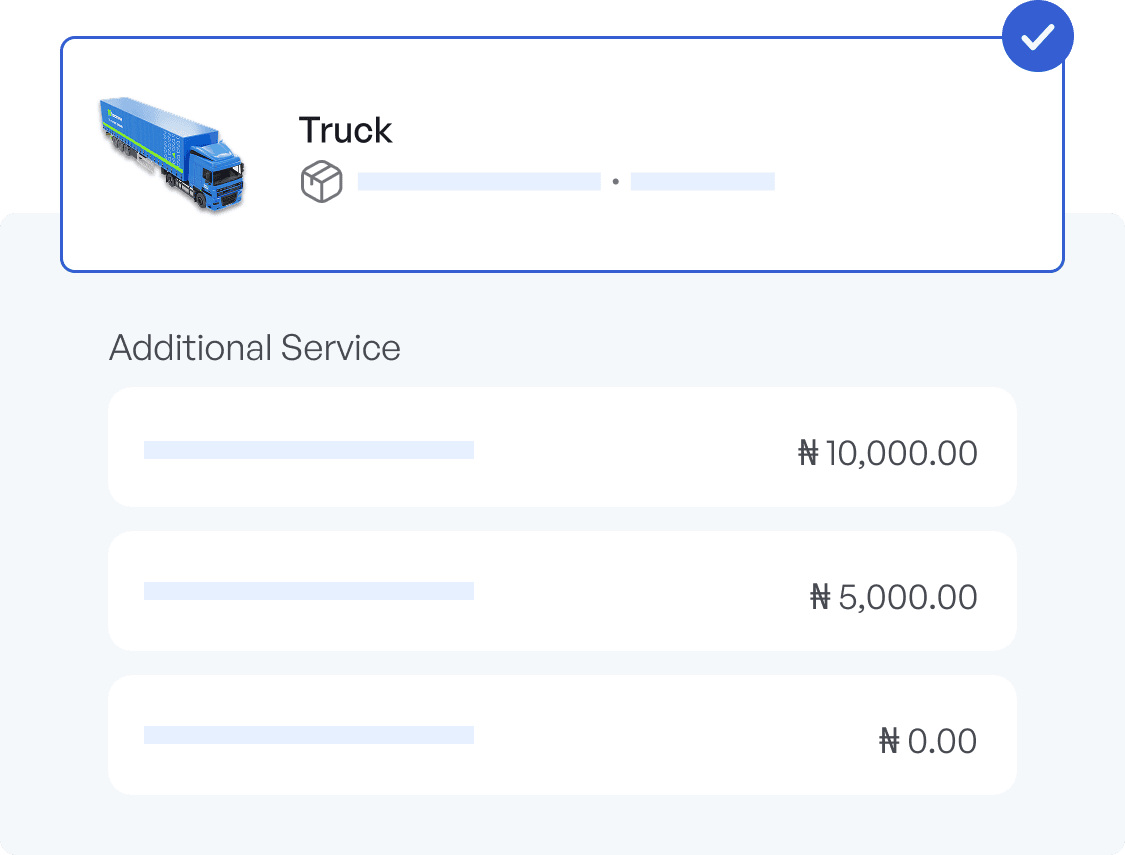
The goal was to move away from showing too many UI elements, especially since new apps were popping up everywhere post-covid. But somehow - my early frames still included UI components and copy that referenced "the app." This pushed me to create a strict 'DO NOT' list (a technique I learnt from reading 'DESIGN FOR MOTION' by Austin Shaw.

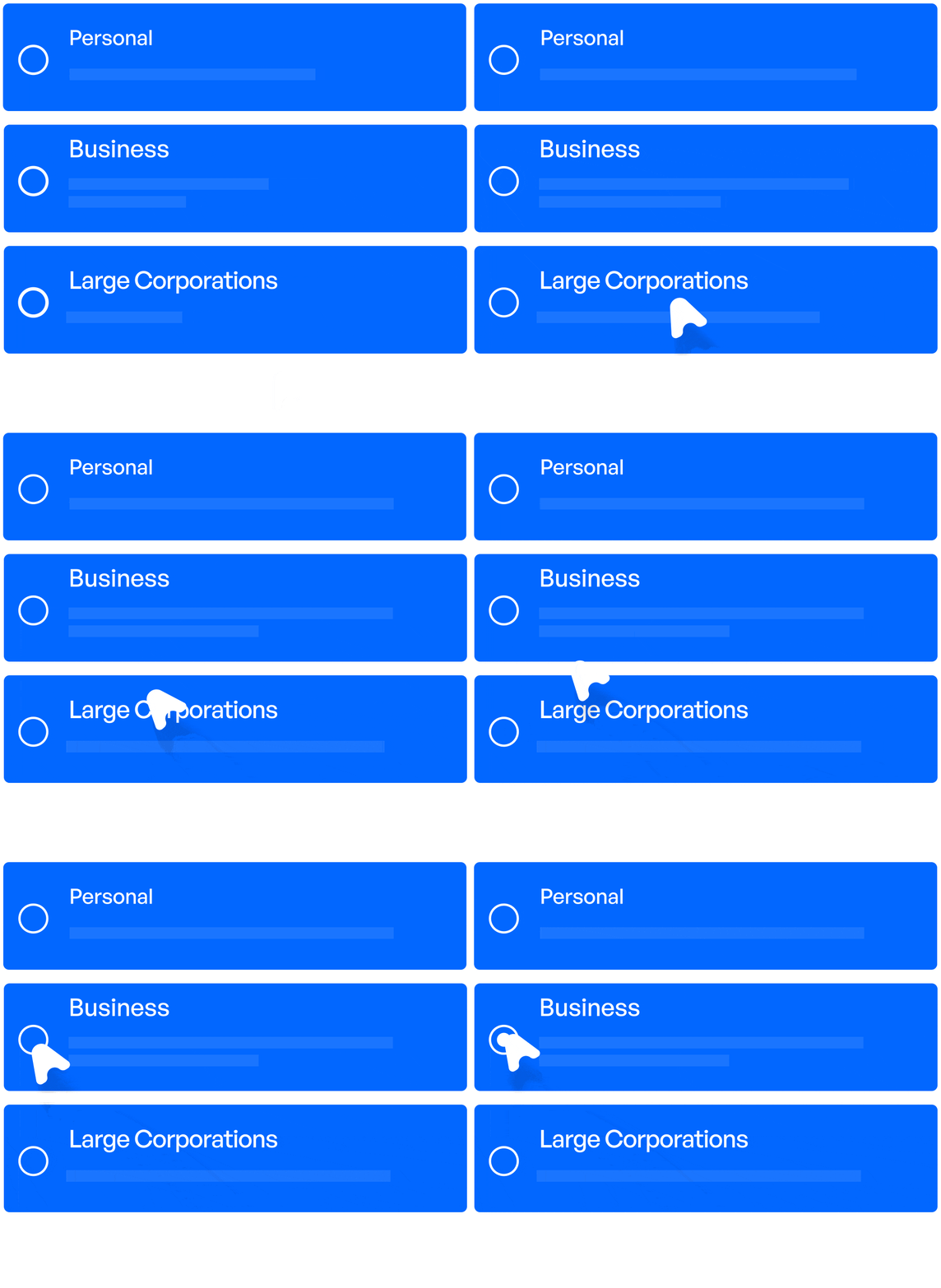
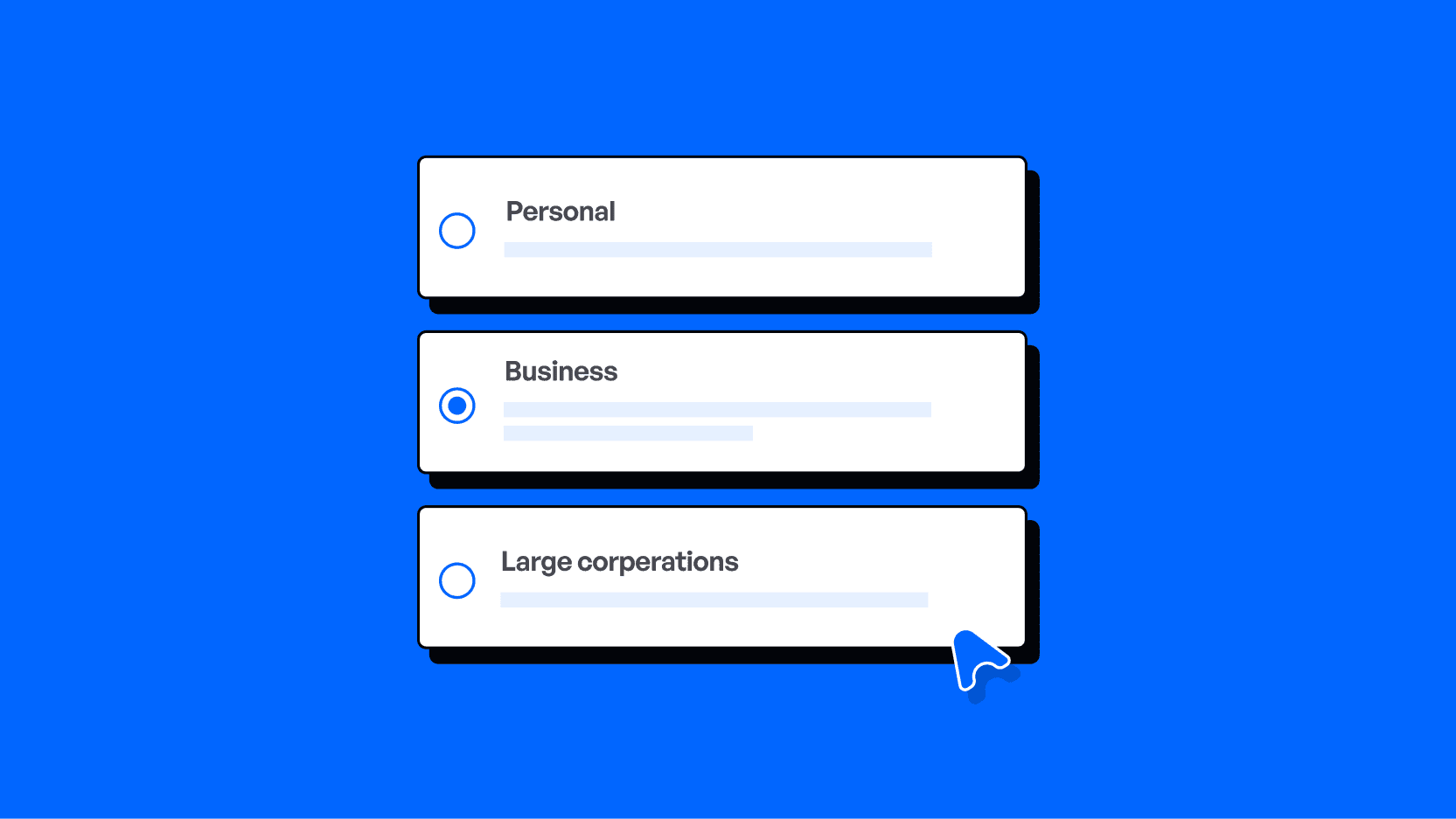
One key rule was that no actual design components from the real product would appear in the teaser. I stuck to this fully, using only simple, recognizable elements like radio buttons, which could just as easily be interpreted as basic drawn shapes rather than app interface pieces.

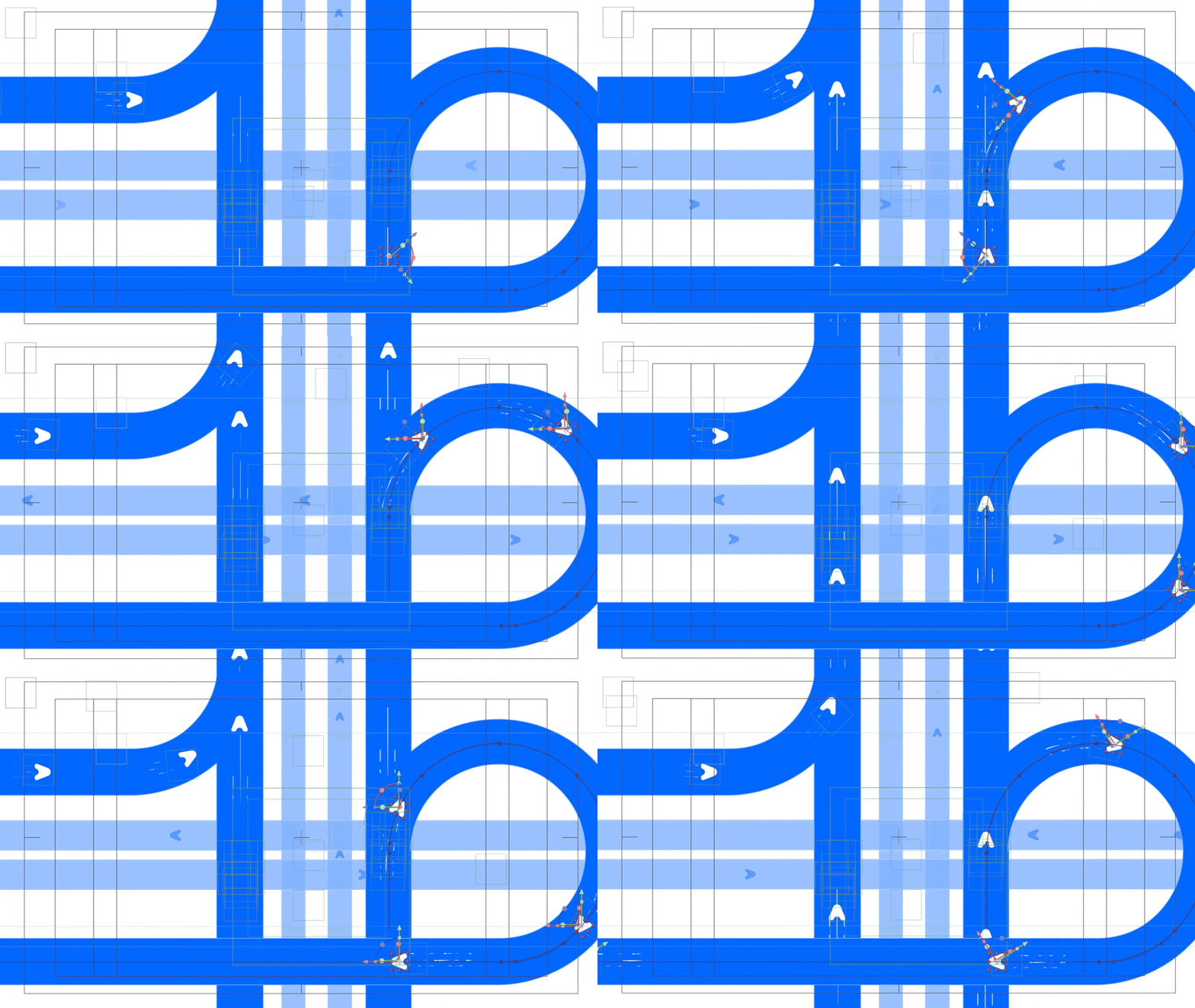
Shortly before this teaser project, I had created a simple Lottie loader animation featuring the logo. It was visually catchy, so opening the video with it felt natural. When I compared it with my free-writing notes—movement, pickup, speed, dropping, location, and more—it aligned perfectly with the themes I wanted to express.

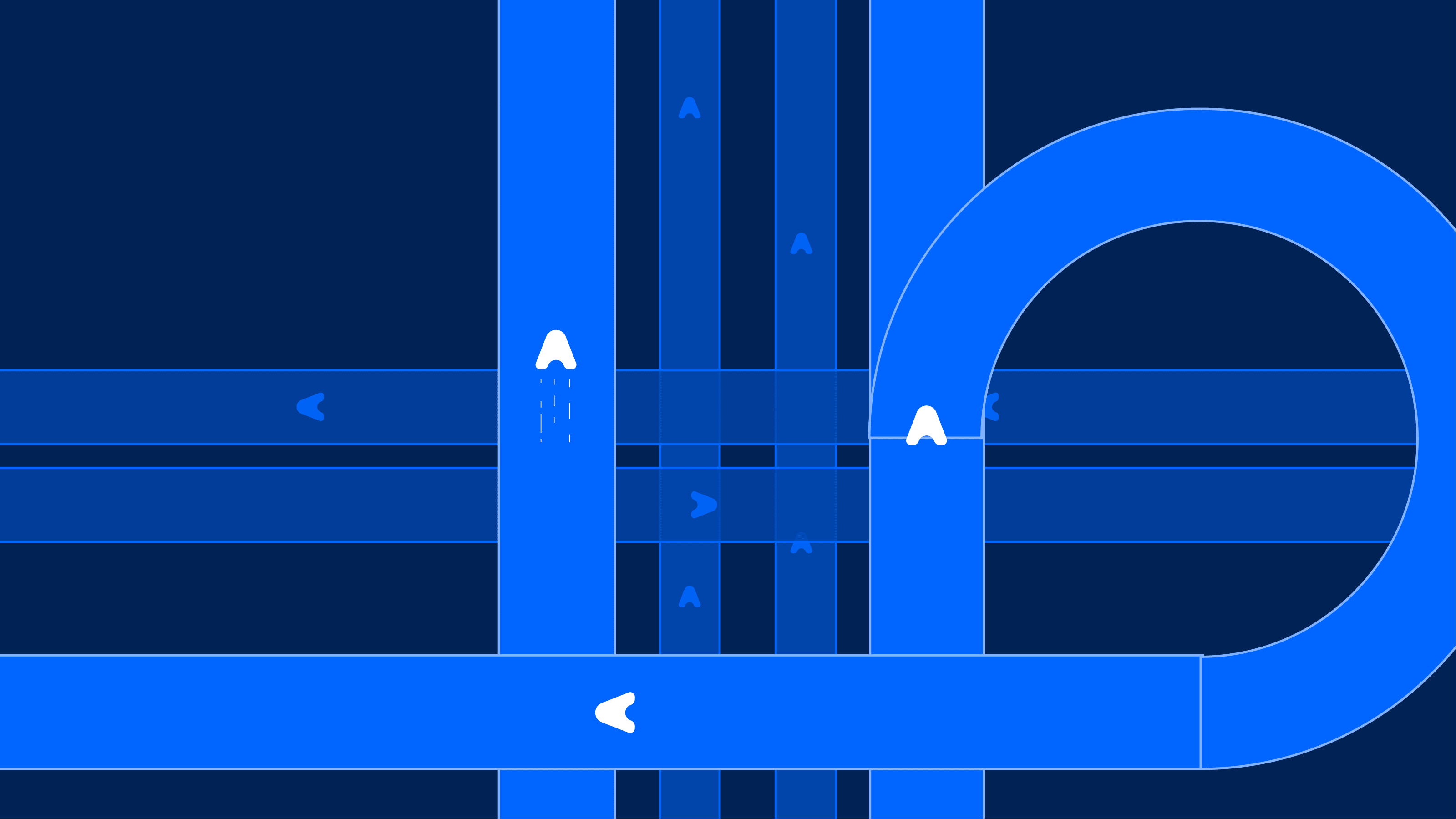
Faramove logo
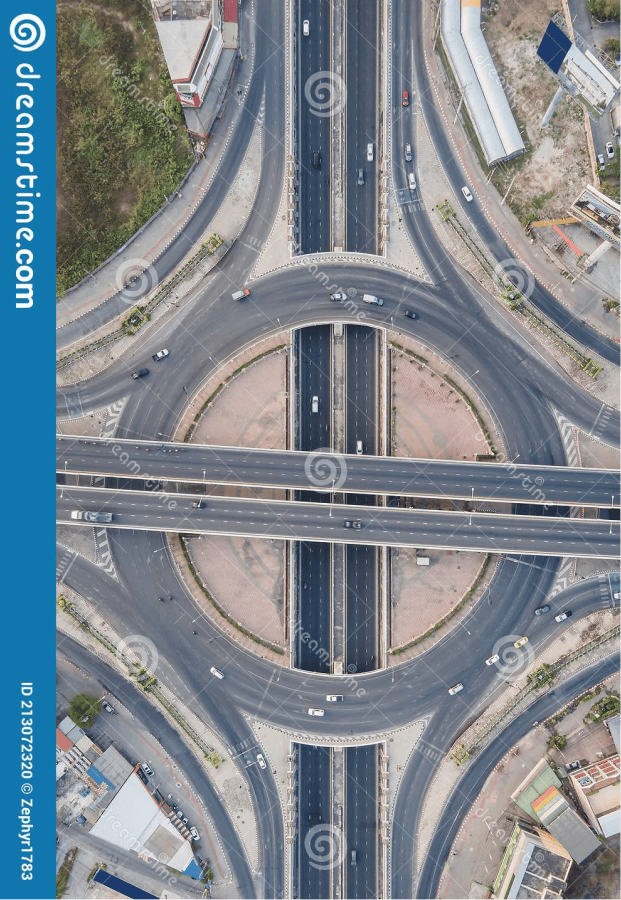
Aerial road view
Faramove unused style frame 1
Faramove unused style frame 2

Making it look 3d.

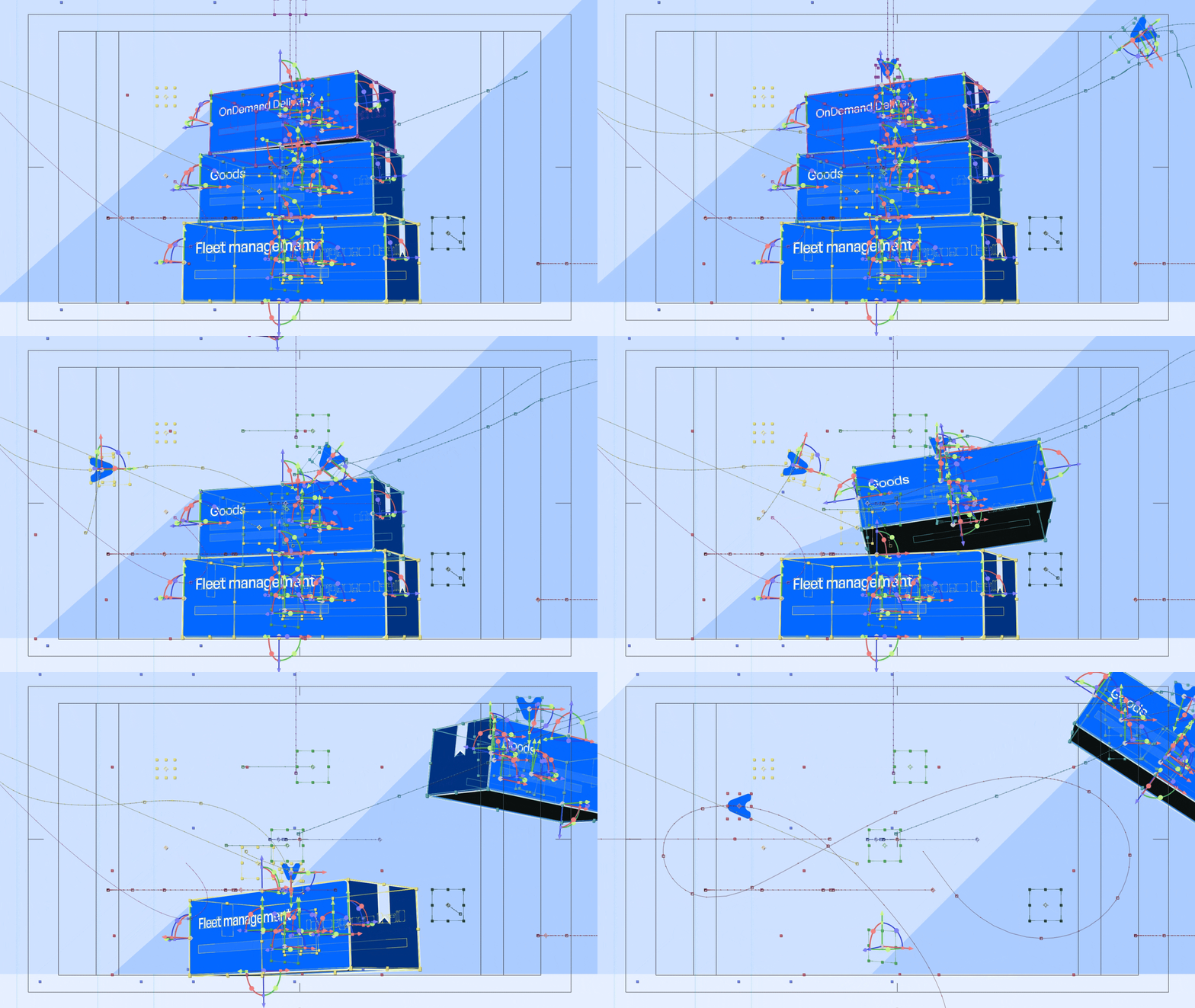
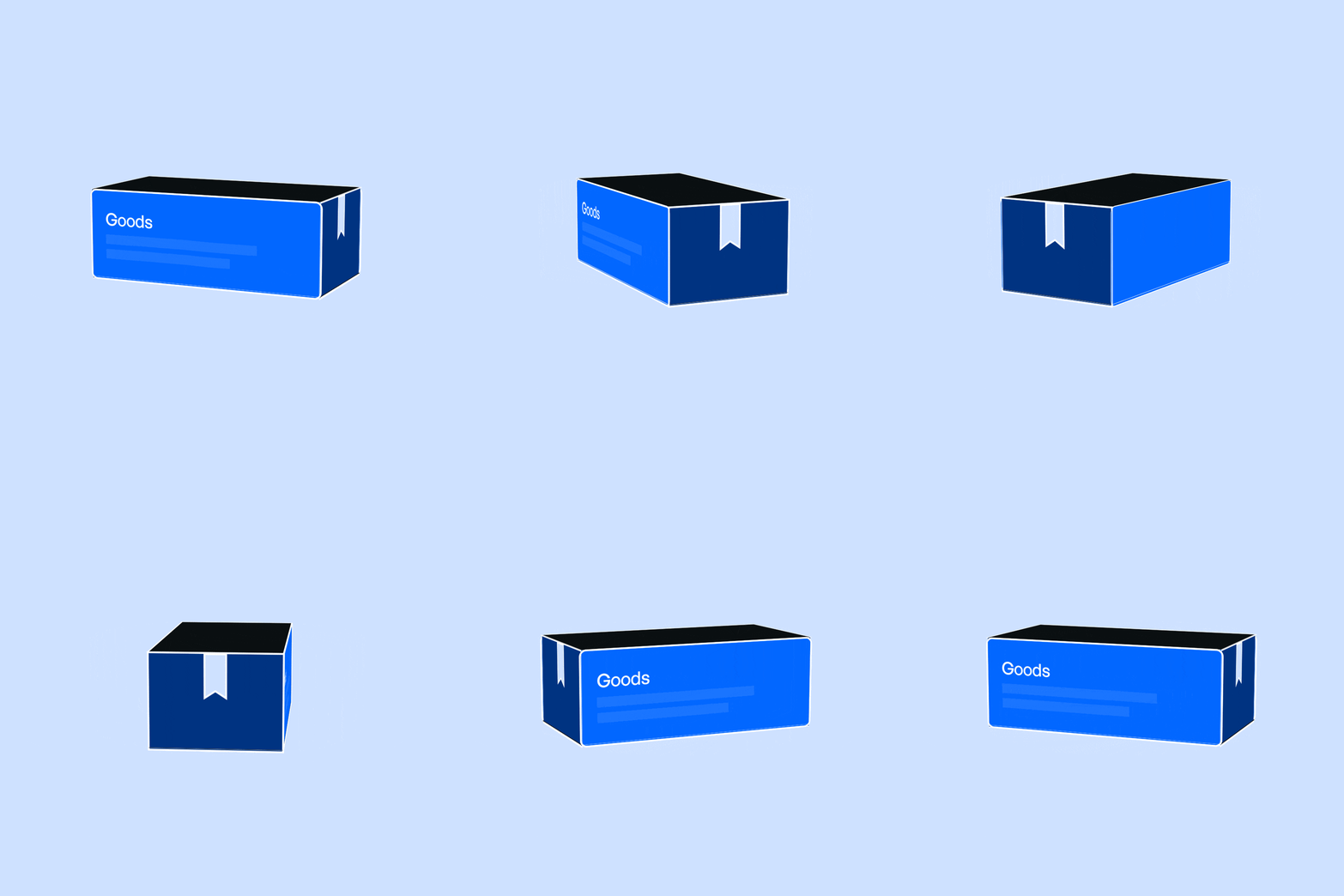
The intention for this scene was deeper: to communicate that Faramove never leaves an item undelivered. Using the four pointers from the logo, the idea was illustrated through three boxes being in frame. The first three were picked up immediately, and by the time the fourth pointer arrived, there was nothing left to carry - everything had already been delivered.

Faramove parcel pickup animation
Faramove box unwrapped
Faramove box spin animation

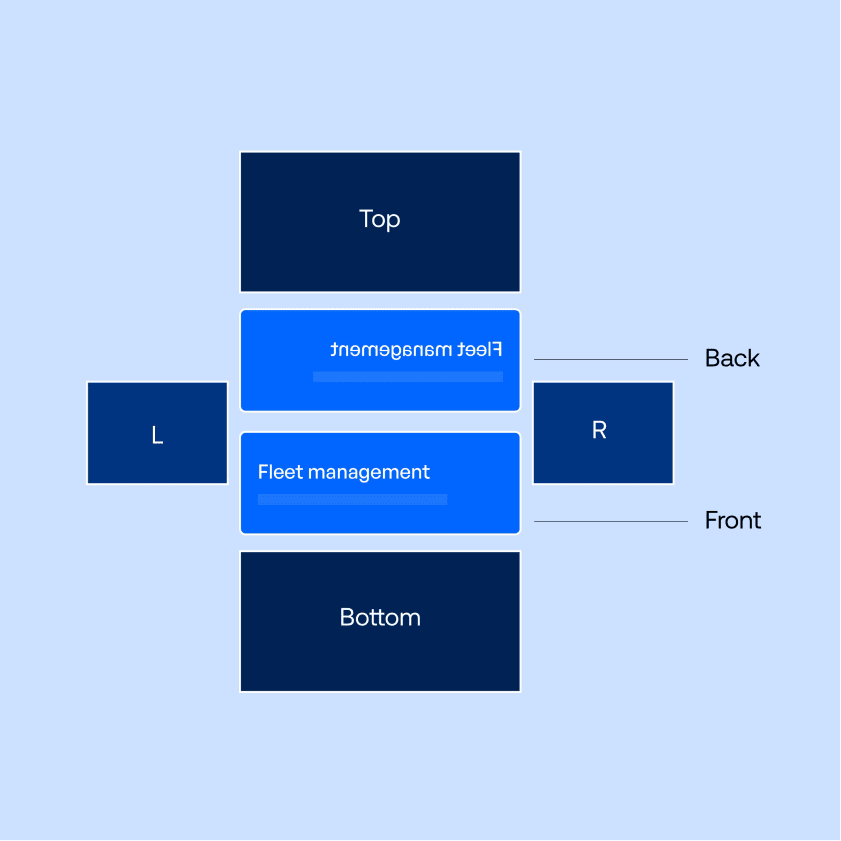
What really helped at this phase was ignoring the approaches to creating a faux-3D box. In the design phase the focus was simply - stack boxes and figure it the rig out later. This is one technique I learnt reading ‘Design for Motion’ by Austin Shaw.

The goal here was to keep all three boxes unwrapped in a single composition so there was full control over the content, since this was the only scene that included feature listings. Using the Cinema 4D renderer in AE, once one box was built, the rest was simply duplicating it and adjusting each one to match the styleframe — this time in an actual 3D space.

challenge

TWO

the rigs.

Faramove pointer animation
Faramove arrow loop animation
Faramove CC Bend It effect

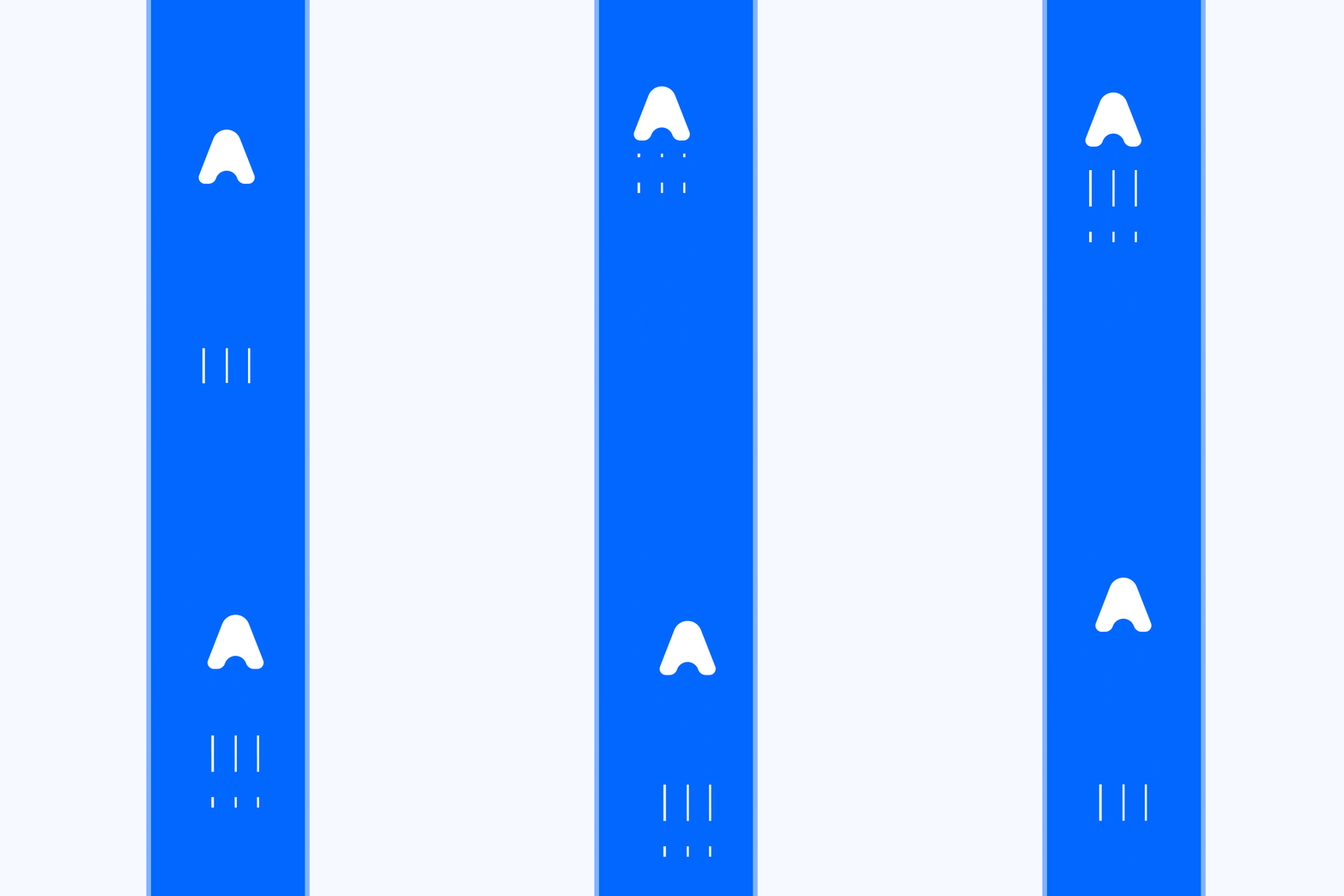
For the three strokes that follow each pointer on the logo, I wanted to avoid using motion blur. Staying consistent with the flat faux-3D style, motion blur felt out of place. Instead, I leaned into using dashed strokes as speed trails which sold the fast, snappy movement feel.

The starting point was a simple rectangle shape with a stroke (no fill). Dashes and gaps were added to give it that broken-line motion. To make it loop cleanly so it could be duplicated easily, a TrimPaths animation was applied to create a continuous cycling movement by animating the offset property.
After that, the extra parts (top, right and bottom) that formed the full rectangle were masked out, leaving a straight dashed line that loops smoothly.
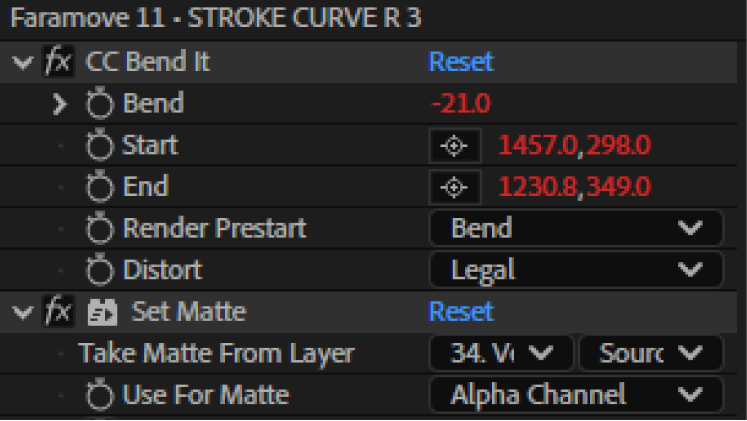
For the ones pointers that had to go round the curve, I simply added a cc Bend it effect for when they approach the curves.

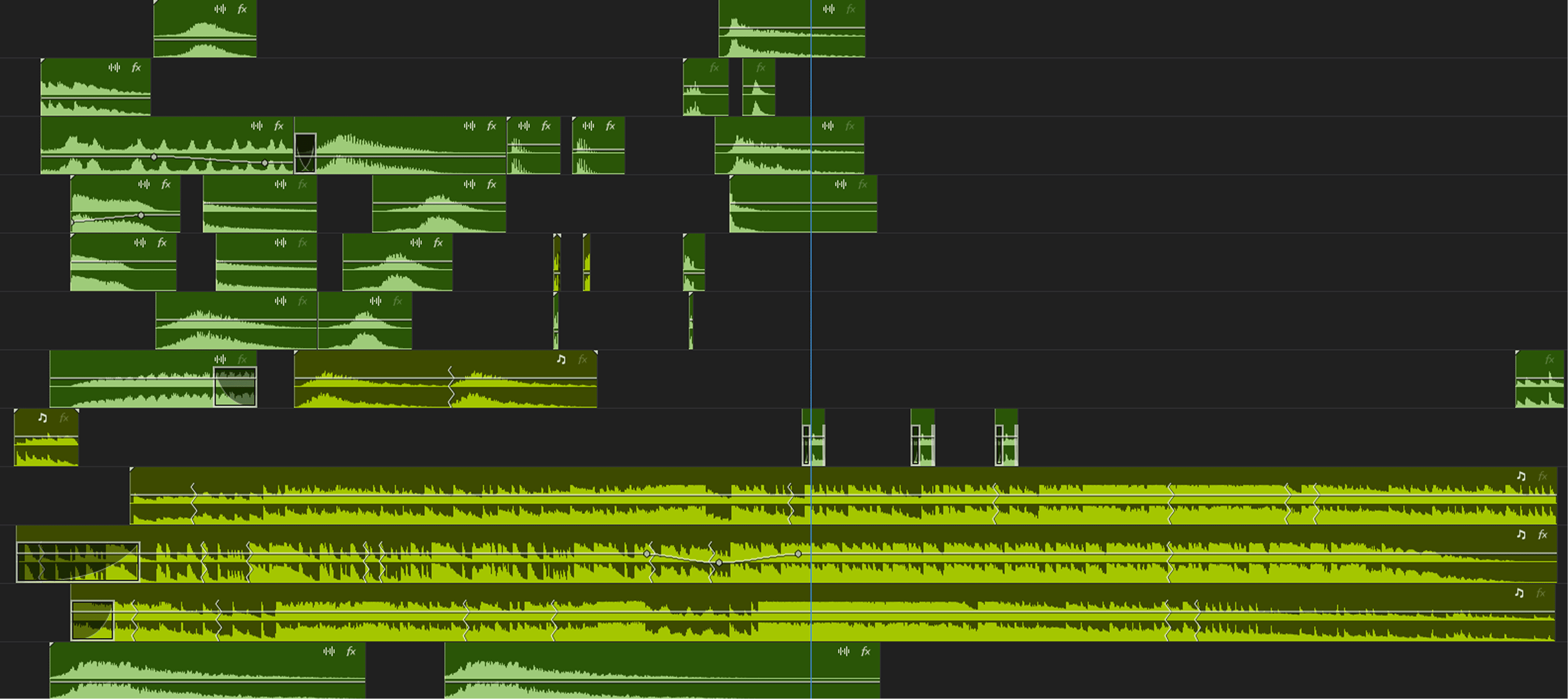
noises
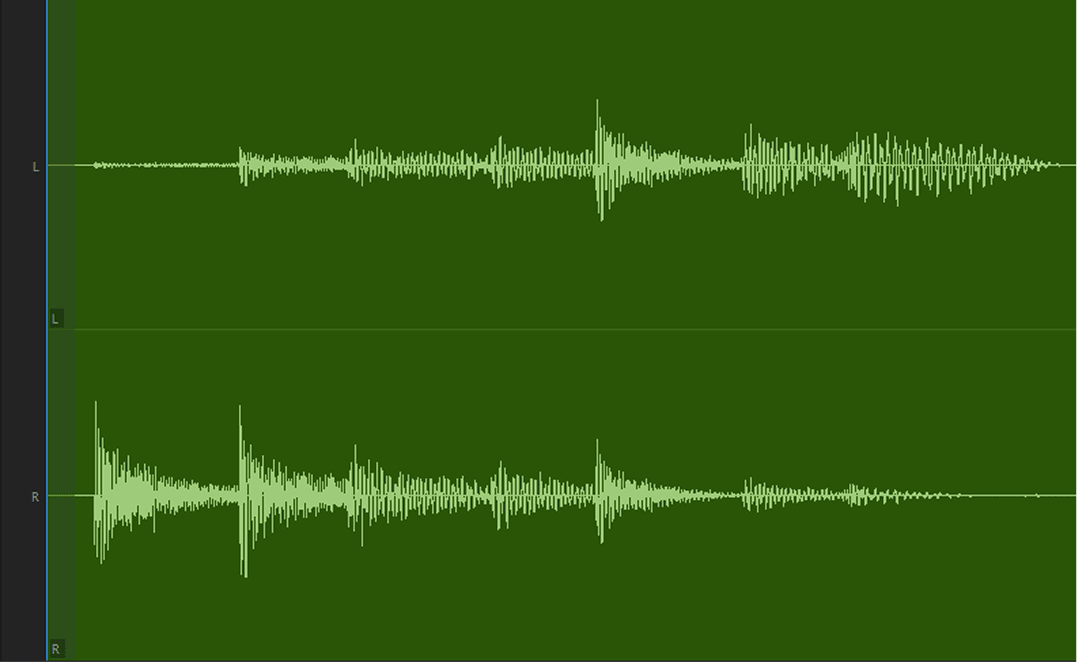
Audio Channel

Tom_and_Snare_Fill-Mastered.wav

noises

When you decide to open a teaser with the brand logo sitting on screen for 5 seconds, you need something extra to keep viewers from hitting the skip button: sound. Staying true to my “DO NOTs” and avoiding any heavy UI cues, I pushed this idea through the audio. I chose a sound that felt deliberately unexpected—using a tom and snare to open an app video where clicks, bells, notifications, and swooshes are what you’d normally expect.

client

faramove

sound design

daniel tolani

motion design

daniel tolani

script

faith adeoye

producer

iyanu odenewu

creative direction

daniel tolani

credits

priviledged to work with some of the most talented people existing.

Music and SFX Artlist.io
Expressway top view dreamstime.com
REF IMAGES are.na, pinterest